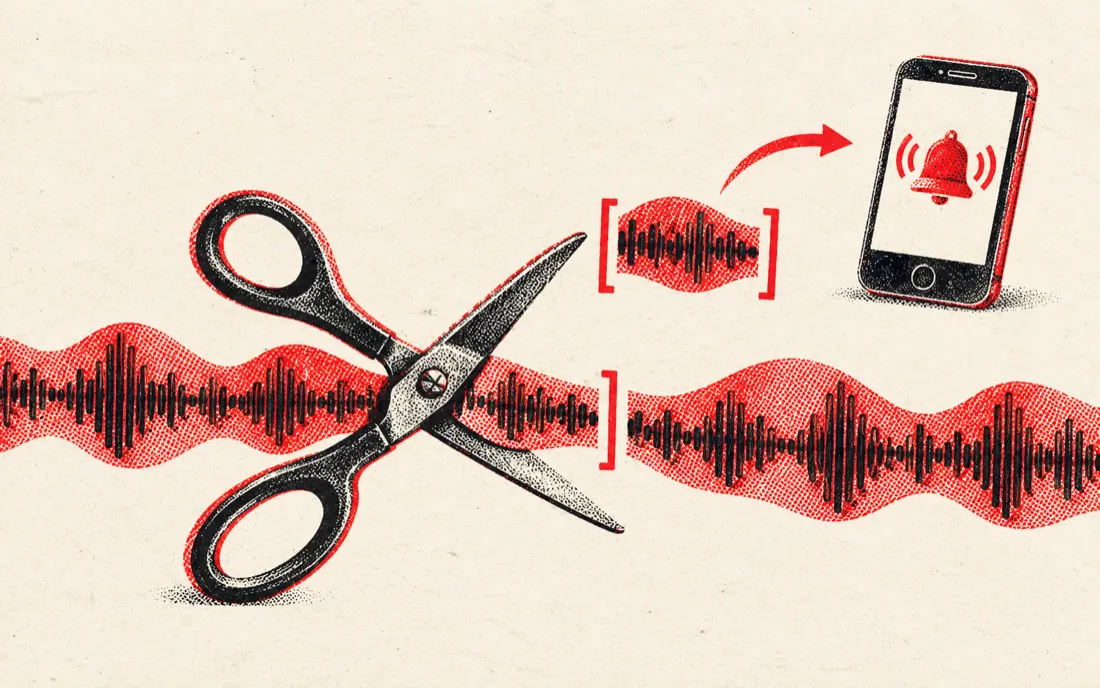
Ringtone length by phone
The part people cut most is the 20 to 40 seconds around a chorus. Pick the length for your phone, then move Start to where the hook begins, so the ring starts on the music and not on the intro.
| Use | Length | Preset | Then |
|---|---|---|---|
| Android ringtone | 30 s is typical | Ringtone 30 s | Settings → Sound → Phone ringtone → add the MP3 from your files |
| iPhone ringtone | Up to 40 s | iPhone 40 s | Open the MP3 in GarageBand on the iPhone → Share → Ringtone |
| Text or alert tone | 3–10 s | Drag End close to Start | Add a 0.2 s fade out so it does not click |
| Alarm | 15–30 s | Ringtone 30 s | Pick a part that builds, not one that starts loud |
Does cutting an MP3 lower its quality?
Honest answer: slightly, and you can avoid it. This cutter decodes your MP3 to raw audio, cuts it, and encodes a new MP3 at 256 kbps. It is not a lossless frame-copy cut, so the result is a second generation of compression. At 256 kbps most people cannot hear the difference from a typical 128 to 320 kbps source on phone speakers or earbuds, and a ringtone is a very forgiving use.
If you plan to keep editing the clip, or you care about a high-bitrate source, press Download WAV instead. WAV is uncompressed 16-bit, so nothing is lost at the cutting step, and the file is larger. Lossless MP3 splitters that only copy frames exist as desktop programs; this is a browser tool, so we choose the simple route and say so.
| Format | Size of a 30 s clip | Quality | Pick it for |
|---|---|---|---|
| MP3 256 kbps | about 1 MB | Near the original for most ears | Ringtones, sharing, playing on a phone |
| WAV 16-bit | about 5 MB | No loss at this step | More editing, a video project, archiving |
Cut out a part, or cut a clip out
- Keep selection (trim): you get only the part you picked. This is the ringtone mode.
- Remove selection: the part you picked is deleted and the two ends are joined. Press Hear the join to check the seam, then download. Useful for dropping an intro, a long outro or a slip-up from a recording.
- Fades: up to 5 seconds in and out, so the clip does not start or end with a click.
- Precision: arrow keys move a slider by 0.1 s once it has focus.
Want to put clips back together afterwards, for a medley or a longer loop? Use the Audio Joiner, which adds a crossfade between files.
Why a browser MP3 cutter
Popular online cutters take your file to a server, cut it there and send it back. This one does the work in your browser tab. A 5-minute song is decoded and cut in a second or two, nothing is queued, and a private voice message or an unreleased demo never leaves your phone or laptop. Only cut songs you own or are allowed to use; a ringtone for your own phone is a personal use.
Frequently asked questions
Is this MP3 cutter free?
Yes. Cutting, fading and downloading are free with no sign-up, no watermark and no daily limit.
How do I cut an MP3 file?
Drop the file on the page, click the waveform to set the start and end, press Play selection to check, then press Download MP3.
Does my song get uploaded?
No. The song is decoded, cut and encoded on your device with the Web Audio API. Nothing is sent to a server.
Is cutting lossless?
No. The MP3 is decoded and a new MP3 is encoded at 256 kbps. That adds one lossy generation, which is hard to hear at that bitrate. Download WAV if you want no loss at the cutting step.
How do I make a ringtone from an MP3?
Move Start to the part you want, press Ringtone 30 s for Android or iPhone 40 s for iPhone, and download the MP3. On iPhone, open it in GarageBand and choose Share, then Ringtone.
Can I cut a part out of the middle?
Yes. Select the part, press Remove selection, listen with Hear the join, then download. The two ends are joined.
What is the longest file I can cut?
Up to 30 minutes per file. Longer files may be too big for some phones' browser memory.
Can I cut other formats such as WAV or M4A?
Yes. WAV, M4A, AAC, FLAC and OGG open too, plus the sound of an MP4 or MOV video, as far as your browser can decode them.