What to trim, and how
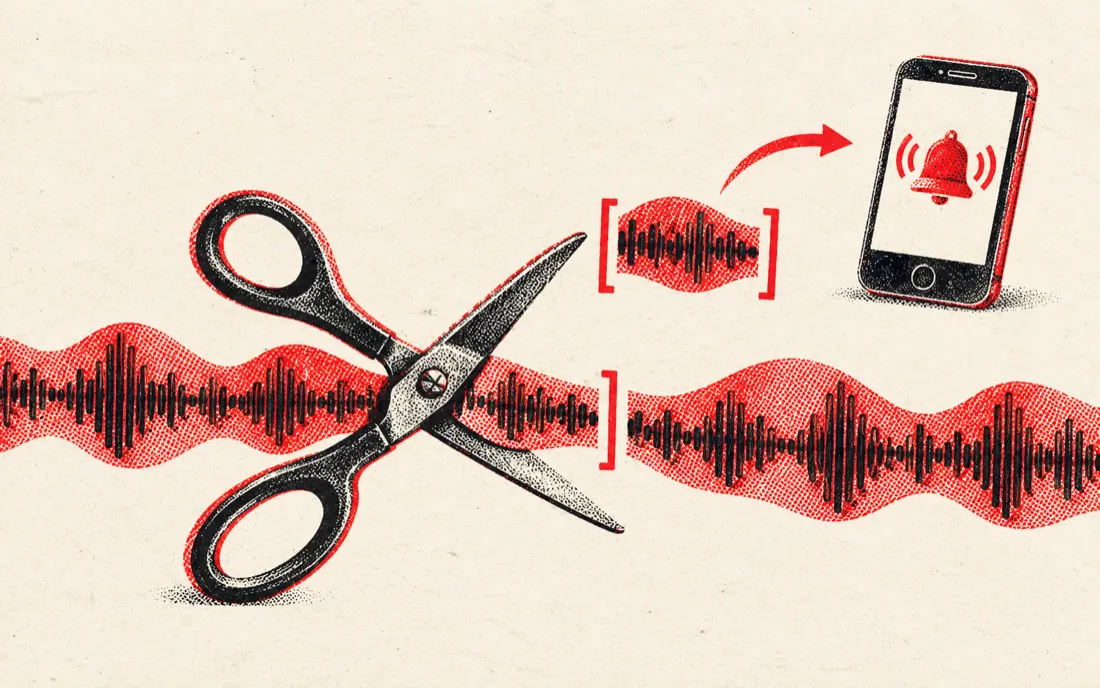
Most trims fall into a handful of jobs. The waveform shows where sound starts and stops, so you can trim by sight and confirm by ear.
| Job | Mode | Tip |
|---|---|---|
| Dead air at the start of a voice memo | Keep selection | Put Start 0.2 s before the first word so it is not clipped |
| Trailing silence or the tap to stop | Keep selection | Put End just after the last word fades; add a 0.3 s fade out |
| A flubbed sentence or a cough in the middle | Remove selection | Select it, press Hear the join, adjust until the join is clean |
| Cutting a long recording down to one answer | Keep selection | Click the waveform to place both handles roughly, then nudge each by 0.1 s with the arrow keys |
| Pulling a short sound or quote out of a clip | Keep selection | Loop it to hear whether the edges are clean |
Trimming on a phone
The page works in the phone browser. On an iPhone, save the voice memo to Files first, then choose it from the page. Tap the waveform to move the nearest handle, and use the sliders for small moves. Downloads land in your Files or Downloads folder. Large recordings are limited by the memory of your phone's browser, so for a very long recording, trimming on a computer is smoother. The limit here is 30 minutes per file.
Podcast and interview edits
For a podcast or interview you usually trim the head and tail of each take, then remove the odd mistake in the middle. Do the head and tail first with Keep selection, download, then open the result again and use Remove selection for any section you want to take out. Repeat once per mistake.
This is a manual tool. It does not detect silence automatically, remove background noise or level volume. If you need those, use a full audio editor; for the quick job of making a recording start and end where it should, trimming here takes seconds. To join several trimmed takes into one episode, use the Audio Joiner.
Private by design
Voice memos, calls and meeting recordings are often personal. The trimmer reads the file inside your browser tab, shows the waveform, trims it and encodes the result on your device. Nothing is sent to a server, there is no account, and no copy is kept. Only trim recordings you have the right to use.
Frequently asked questions
How do I trim an audio file online?
Drop the file on the page, drag the Start and End handles around the part you want to keep, press Play selection to check it, and download the result as MP3 or WAV.
Can I trim an iPhone voice memo?
Yes. Voice Memos are M4A files. Save the memo to Files, choose it on this page, trim it and download MP3 or WAV.
Does the trimmer remove silence automatically?
No. Trimming is manual: you place the handles using the waveform. That keeps you in control of where the speech starts and stops.
Is the audio uploaded?
No. The recording is processed in your browser on your own device, and nothing is sent to a server.
Is it free?
Yes, free with no sign-up, no watermark and no daily limit.
Does trimming reduce quality?
WAV output is uncompressed, so there is no loss at this step. MP3 output is encoded at 256 kbps, which is one extra lossy step that is hard to hear.
Can I remove a part from the middle?
Yes. Choose Remove selection, select the part, listen with Hear the join, then download. The two sides are joined together.
Can I trim the sound of a video?
Yes. Drop an MP4 or MOV and its audio loads like any other file. You save audio only.