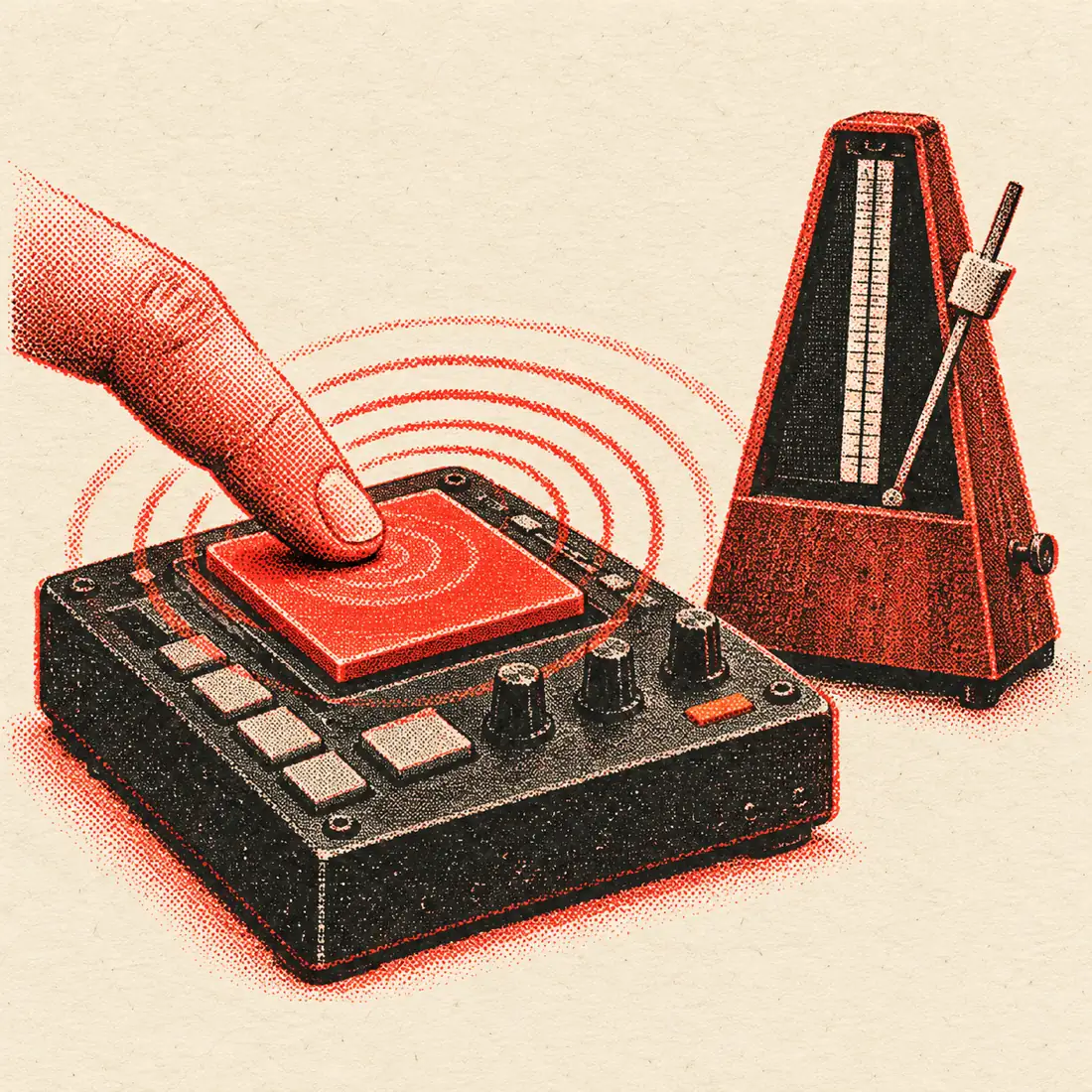
The metronome, and how tapping drives it
The metronome is the first thing on this page, because a practice session starts with a click. Press play and you hear a tick on every beat. The first beat of every bar is louder, so you always know where the bar starts. A row of dots lights up beat by beat, so you can follow the count by eye as well as by ear.
Tapping is the quick way to choose the speed. Instead of guessing a number, tap along to the music in your headphones. The tool averages your last 12 intervals, gives you a BPM to one decimal, and Send to metronome hands it to the click. The tap pad takes the space bar, any key, a mouse click or a touch.
If you pause for 2.5 seconds the taps reset, so you can move on to a different song without clearing anything by hand.
Metronome controls at a glance
| Control | What it does | Range or options |
|---|---|---|
| Slider | Sets the tempo by dragging | 30 to 250 BPM |
| Plus and minus | Moves the tempo by one beat per minute | ±1 BPM per press |
| Meter | Sets how many beats are in a bar | 2/4, 3/4, 4/4, 6/8 |
| Accent | Louder click on beat one | Always on |
| Beat dots | Show the current beat in the bar | One dot per beat |
| Tap pad | Sets the tempo from your taps | Space bar, key, click or touch |
| ×½ and ×2 | Halve or double the tapped figure | Applies to the tap result |
The click is generated with Web Audio in your browser, so there is no sound file to download and it works as soon as the page loads.
A practice routine: match, slow down, build up
A metronome is most useful when it follows a plan. This simple routine works for a hard riff, a vocal line or a drum fill.
- Tap the tempo of the recording you want to match, until the steadiness meter is high.
- Send it to the metronome and check the click against the song. It should lock to the kick or snare.
- Drop the tempo by 10 to 20 percent. For a 120 BPM song that means about 96 to 108 BPM.
- Play the part until you can do it three times in a row without a mistake.
- Raise the click by 4 to 5 BPM and repeat.
- Keep going until you reach the song's tempo. Then play along with the track itself.
The three-times-in-a-row rule keeps you honest. It stops you from creeping up the speed on a lucky run. If a step keeps failing, go back down by 2 or 3 BPM and try again. Short, repeated sessions work better than one long one.
| Song tempo | Start at 80% | Start at 90% | Typical steps |
|---|---|---|---|
| 80 BPM | 64 BPM | 72 BPM | Add 2 to 3 BPM |
| 100 BPM | 80 BPM | 90 BPM | Add 4 BPM |
| 120 BPM | 96 BPM | 108 BPM | Add 4 to 5 BPM |
| 140 BPM | 112 BPM | 126 BPM | Add 5 BPM |
| 160 BPM | 128 BPM | 144 BPM | Add 5 to 6 BPM |
Time signatures on the metronome
The meter decides where the accent falls. Pick the one that matches the music, and the loud click will land on beat one of each bar.
| Meter | Beats per bar | Feel | Common in |
|---|---|---|---|
| 2/4 | 2 | Strong, weak. A march or a polka. | Marches, polka, some country |
| 3/4 | 3 | Strong, weak, weak. A waltz. | Waltzes, some ballads |
| 4/4 | 4 | Four even beats, with beat one strongest. | Pop, rock, hip hop, dance |
| 6/8 | 6 eighth notes, felt in two groups of three | A rolling, lilting pulse | Folk, ballads, some rock |
In 6/8, the beat dots count six eighth notes, with the accent on the first. Musicians usually feel it as two big beats, so a song at 60 dotted-quarter beats a minute clicks at 180 eighth notes a minute. If a 6/8 song feels too fast, switch to a slower tempo and count in twos.
Italian tempo markings
Sheet music often gives a word rather than a number. These are the usual markings with their BPM ranges. Different books quote slightly different ranges, so treat them as a guide.
| Marking | Meaning | BPM range |
|---|---|---|
| Largo | Broad and slow | 40 to 60 |
| Adagio | Slow and stately | 66 to 76 |
| Andante | Walking pace | 76 to 108 |
| Moderato | Moderate | 108 to 120 |
| Allegro | Fast and lively | 120 to 156 |
| Vivace | Lively, brisk | 156 to 176 |
| Presto | Very fast | 168 to 200 |
To use a marking, set the slider inside its range and adjust by ear. Andante at 90 is a comfortable walk. Allegro at 140 is bright and brisk. Any piece will tell you more through its character than its number.
Tap, then adjust by ear
A tapped tempo is a starting point. Once the click is running, listen for drift. If the click slowly gets ahead of the song, press minus. If it lags behind, press plus. One BPM changes the spacing between clicks by only a few milliseconds, which is exactly the fine control you need.
If your tapped figure is twice or half what you wanted, use ×½ or ×2 before you send it. A drummer practising a half-time groove, for example, may want 70 where the track taps out at 140.
When you only have a file
If your song is on your computer and you do not want to tap, open the BPM finder at /bpm-finder/. It detects the tempo from the file in your browser, and it also gives the key. You can then drag the metronome slider to that BPM. The BPM-to-ms delay calculator at /bpm-calculator/ turns the figure into delay times if you are mixing. For practising along with just the instruments, the vocal remover at /vocal-remover/ takes the vocals out of a track. Nothing on this page is uploaded.
Frequently asked questions
What is a tap metronome?
It is a metronome whose tempo you set by tapping rather than typing a number. You tap along to a song, the tool averages your taps into a BPM, and the click starts at that speed. It is useful when you do not know the tempo of the piece.
How do I send the tapped BPM to the metronome?
Tap the pad until the BPM settles, then press Send to metronome. The click starts at that tempo straight away. You can then change it with the plus and minus buttons or the slider.
What range does the metronome cover?
The slider runs from 30 to 250 BPM, and the plus and minus buttons move the tempo one BPM at a time. That covers everything from a slow Largo to a fast Presto.
Which time signatures are available?
You can choose 2/4, 3/4, 4/4 or 6/8. The first beat of every bar has an accent, and the beat dots show where you are in the bar.
How slow should I practise a hard passage?
A common start is 10 to 20 percent below the target tempo. Play it cleanly three times in a row, then raise the click by 4 to 5 BPM. If you keep making mistakes, step back down by a few BPM.
Is the click accurate?
The click is made with the Web Audio API in your browser, which schedules sound far more precisely than a simple timer. Very old or heavily loaded devices may still glitch, so close other busy tabs if you hear stutter.
Why was my tapped tempo reset?
The tapper resets after 2.5 seconds without a tap, so a new song starts a new measurement. Press Reset if you want to clear it earlier.
Does it work on a phone?
Yes. Touch the pad to tap, and use the slider and buttons to adjust the click. Turn the volume up, and make sure the ringer switch on your phone does not mute browser audio.
Is anything uploaded or saved?
No. Taps, tempo and the click all stay in your browser. There is no sign-up and no ads on the page.