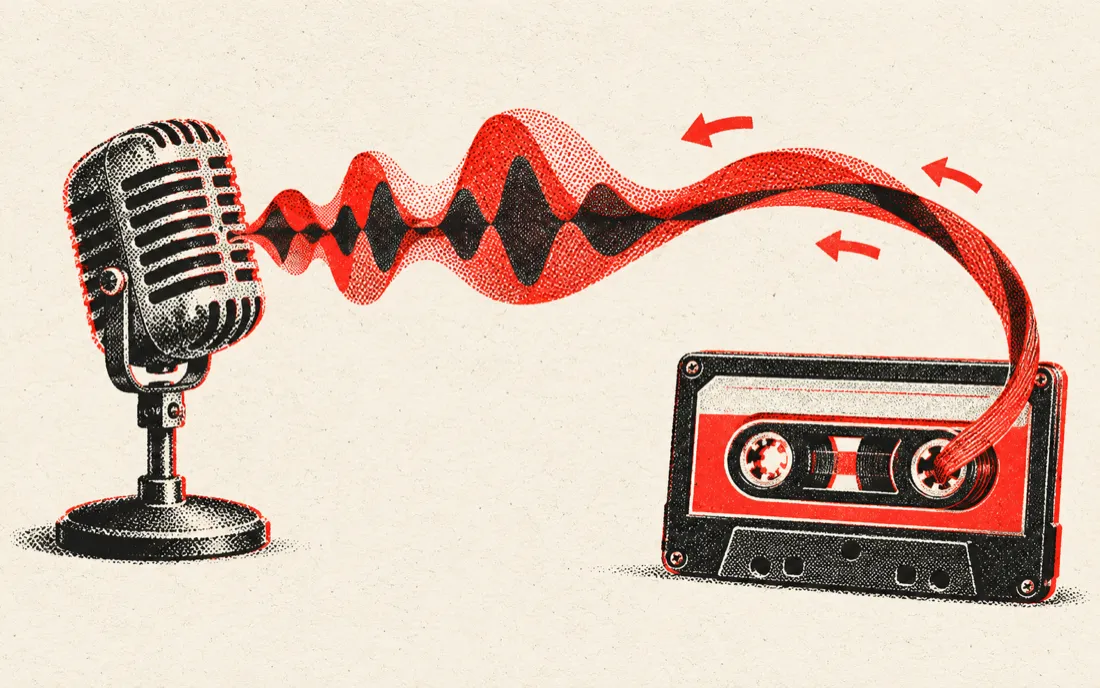
How the reverse singing challenge works
The challenge went viral on TikTok: you hear a song backwards, try to sing that strange sound, then reverse your own recording. If you copied it well, the original lyrics appear — usually hilariously close or totally wrong.
- 1 · Load a short clip — a chorus or one line works best (5–10 seconds).
- 2 · Listen to the reversed clip a few times.
- 3 · Press Record my attempt and copy it as closely as you can.
- 4 · Your attempt plays back reversed. Share it, or try again.
Tip: cut the clip down first with our audio cutter so you only reverse the hook. Short phrases with clear vowels ("ooh", "hey", long notes) are the easiest to copy.
What people reverse audio for
| Use | What to drop | Tip |
|---|---|---|
| Reverse singing challenge | A 5–10 s chorus | Record 2–3 attempts and keep the funniest |
| Backmasking / hidden messages | The section of the song | Listen at normal speed first, then reverse |
| Reverse reverb / swells | A vocal or cymbal hit | Reverse, add reverb, reverse again for a riser |
| Sound design and SFX | Any one-shot | Reversed piano and guitar notes swell in instead of hitting |
| Voice message pranks | Your recording | Say a sentence backwards and reverse it — it almost sounds right |
Reversed instrumental or reversed vocals
Want only the voice backwards, or a reversed beat without the singer? Press Split vocals and our AI vocal remover separates the vocals from the music. Drop either part back here to reverse it.
Private and free
Reversing happens on your device: the file is decoded in your browser, flipped sample by sample and encoded to MP3 locally. Mic recordings never leave your phone or computer. There's no upload, no watermark and no daily limit; files can be up to 10 minutes long.
Frequently asked questions
Is this reverse audio tool free?
Yes. Reversing, recording and downloading are free with no sign-up, no watermark and no limit, because everything runs in your browser.
Can I record my voice and reverse it?
Yes. Press Record your voice, allow microphone access and press Stop. The reversed recording is ready instantly. It works on iPhone, Android and desktop.
How do I do the reverse singing challenge?
Load a short song clip, listen to it reversed, then press Record my attempt and copy what you hear. The tool reverses your attempt so you can hear whether the original lyrics come out.
Can I reverse a song from YouTube or TikTok?
Not by link — we don't download from YouTube, TikTok or Spotify. Use an audio or video file you have; MP4 and MOV work, and only the sound is used.
Does reversing change the pitch or speed?
No. The audio plays backwards at the same speed and pitch. To slow it down or change the key afterwards, use our slowed and reverb maker or pitch changer.
What file do I get?
A 256 kbps MP3 or a 16-bit WAV named song-reversed.mp3. WAV keeps full quality for music production.
Is there a length limit?
Files up to 10 minutes, and mic recordings up to 2 minutes. For the challenge, 5–10 seconds is ideal.