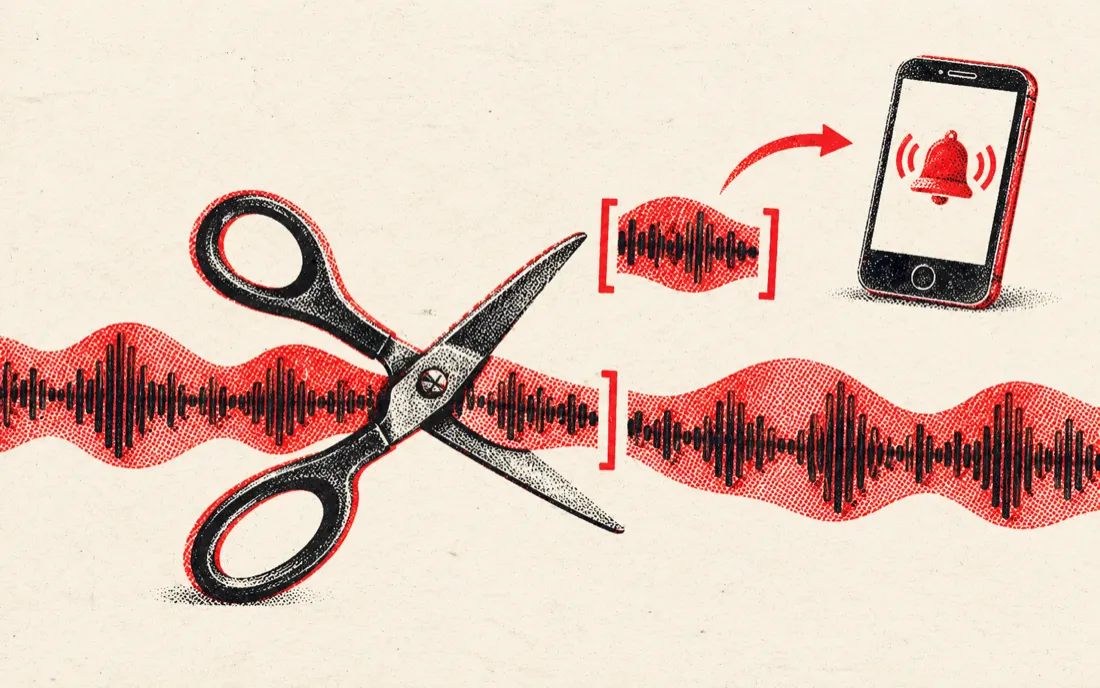
Make a ringtone from any song
Press Ringtone 30 s or iPhone 40 s: the selection jumps to that length from your start point, with a 0.5 s fade in and 1.5 s fade out so it doesn't click. Move Start to the chorus, loop it to check, then download.
| Phone | Max length | How to set it |
|---|---|---|
| Android | Any (30 s typical) | Download the MP3, then Settings → Sound → Phone ringtone → add from files |
| iPhone | 40 s | Download the MP3, open it in GarageBand → Share → Ringtone |
| Notification / alarm | 3–10 s | Select a short hit and add a 0.2 s fade out |
Trim, remove a part, or extract audio from video
- Trim: keep only the selection — the chorus, one sentence of a podcast, a sample.
- Remove: delete the selection and join the rest — cut out a cough, an ad read or a silence.
- Video to audio: drop an MP4 or MOV and the sound track loads as audio. Cut it and save the MP3.
- Fades: up to 5 s fade in and fade out on the final file, so music clips start and end smoothly.
Why cut audio in the browser
Most online cutters upload your file to a server first, then send it back. This one decodes, cuts and encodes the MP3 on your own device with the Web Audio API, so a 5-minute song is ready in a second or two, private recordings stay private, and there's no queue, watermark or daily limit.
Need the instrumental or the vocals of the part you cut? Press Split vocals and the same file opens in our AI vocal remover.
Frequently asked questions
Is this audio cutter free?
Yes. Cutting, fading and downloading are free with no sign-up, no watermark and no daily limit.
Are my files uploaded?
No. The file is decoded and cut in your browser and the MP3 is encoded on your device. Nothing is sent to our servers unless you choose Split vocals.
Can I cut audio from a video?
Yes. Drop an MP4, MOV or WebM file and its sound track loads like an audio file. Cut it and download MP3 or WAV.
How do I make an iPhone ringtone?
Press iPhone 40 s, move Start to the part you want and download the MP3. Open it in GarageBand on your iPhone, then Share → Ringtone. iPhone ringtones can be up to 40 seconds.
Can I remove a part from the middle of a song?
Yes. Select the part, press Remove selection and Hear the join to check the edit, then download. The rest of the file is joined together.
How precise is it?
Start and end move in 0.1-second steps with the arrow keys, and the cut itself is sample-accurate. Loop the selection to check the edges.
What formats can I open and save?
Open MP3, WAV, M4A, AAC, FLAC, OGG, MP4 and MOV (whatever your browser can decode), up to 30 minutes. Save as 256 kbps MP3 or 16-bit WAV.