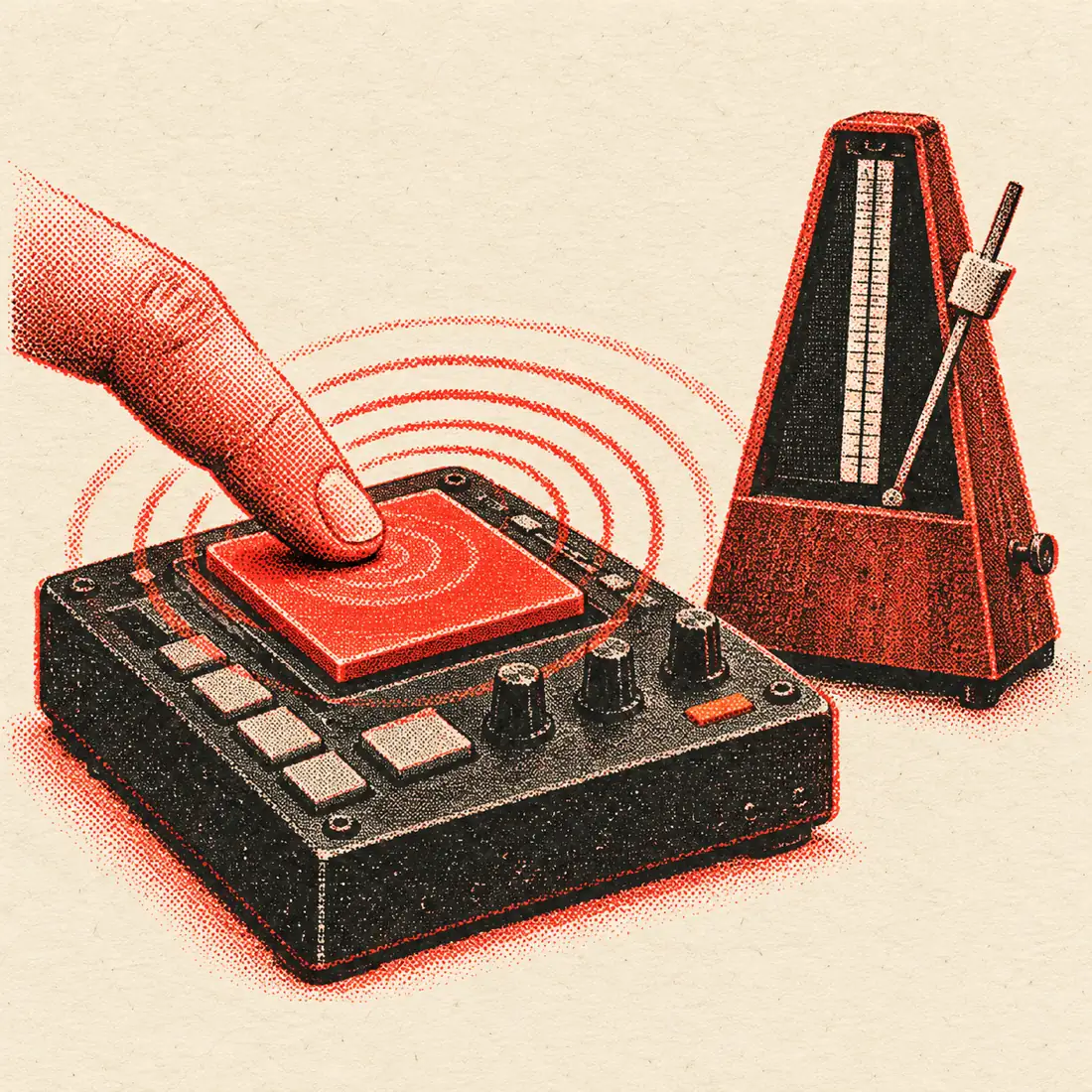
Three ways to count BPM
People count tempo in different ways, and each has a place. The table sets them side by side so you can pick the one that fits your situation.
| Method | How it works | Speed | Weak point |
|---|---|---|---|
| Count against a clock | Count beats for 15 seconds and multiply by four | About 20 seconds | One miscounted beat shifts the answer by 4 BPM |
| Tap tempo | Tap each beat and average the gaps | 5 to 10 seconds | Depends on your timing and ear |
| File analysis | Software finds the pulse in the audio | A few seconds | Can land on half or double time |
Counting by clock needs no tools at all, which is its charm. Tap tempo is far more precise because it measures every gap instead of a long total. File analysis needs no listening effort, but it needs the file. This page covers the last two, and the next section covers the first.
The 15-second count, done properly
If you have no screen to hand, you can count BPM with a watch. The method is simple, and a little care makes it much more accurate.
- Pick a beat you can follow, such as the kick or the clap on two and four.
- Start your timer on a beat and call that beat zero.
- Count each following beat out loud or in your head: one, two, three.
- Stop at exactly 15 seconds and write down the count.
- Multiply by four. A count of 31 gives 124 BPM.
Counting for 30 seconds and multiplying by two halves the rounding error. Counting for a full minute gives the number directly. The trouble is that small slips add up. A single skipped beat in 15 seconds changes the answer by 4 BPM, while a tap tool measures each gap separately and averages the errors away.
Counting by tapping
The pad accepts the space bar, any key, a mouse click or a touch. The BPM is the average of your latest 12 tap intervals, and if you pause for 2.5 seconds the count resets.
- BPM to one decimal, plus the nearest whole BPM.
- Milliseconds per beat.
- A steadiness percentage that shows how even your taps were.
- A tap count, and a timeline of the last 24 intervals.
The steadiness meter is the key to trusting a tapped count. If it is high and the BPM has stopped moving, you have a good answer. If it is low, either reset and try again or move to file analysis, which does not depend on your hands.
Counting from a file
Drop an audio file onto the file box on this page and your browser analyses the audio itself. It uses the same engine as the BPM finder at /bpm-finder/. The file is decoded and measured on your device, and nothing is uploaded.
The result appears as its own BPM, next to your tapped BPM. The page then compares them. If the two agree, you are done. If one is about half or double the other, the page says so, because that pattern almost always means the two methods counted the same music at different speeds.
| Tap result | File result | What it usually means |
|---|---|---|
| 128 | 128 | Both methods agree. The count is solid. |
| 70 | 140 | The file is counted at double the speed you tapped. |
| 174 | 87 | You tapped fast, the analyser chose half time. |
| 120 | 126 | Close but not equal. The track may drift, or your taps were loose. |
| 90 | 132 | Not an octave apart. Tap again, and check the steadiness. |
If you would like the key as well as the tempo, go to the BPM finder at /bpm-finder/, which also gives the Camelot code.
When the auto-detected BPM disagrees with your ear
Software and people both count correctly and still disagree. These are the usual reasons, from most to least common.
- Octave errors. A track at 150 may be read as 75, or the other way round. Both describe the same music.
- Swing and shuffle. Uneven hi-hats blur where the beat sits.
- Tempo changes. A song that speeds up or slows down has no single BPM, only an average.
- Weak beats. Ambient, classical and many acoustic tracks have a soft pulse that is hard to find.
- Live drumming. Human timing drifts around the grid, so the figure is a mean, not a rule.
- Long intros. A quiet opening can mislead the first estimate.
When the two numbers clash and they are not an octave apart, trust the one that matches the song when you play the metronome over it. The built-in click is the tie-breaker. Press Send to metronome, and listen for whether it locks to the kick.
Half-time and double-time hints
An octave difference is not a failure. Drum and bass at 174 is felt in two by many dancers, which makes it 87. A trap beat at 140 is often written at 70. Which one you want depends on the job.
| Your task | Which count to use | Why |
|---|---|---|
| Matching two tracks on decks | The one closer to 90 to 150 | Mixing is easiest in the middle range |
| Setting a DAW project | The count of the grid you plan to draw on | Notes then land on whole bars |
| Practising with a click | The slower count | A slow click leaves room to think |
| Setting delay times | Either, then convert | The /bpm-calculator/ page gives ms for each note length |
| Matching a running cadence | The count of footfalls | Steps per minute are the figure runners use |
The ×½ and ×2 buttons on the tapper change the figure in one press, so you can switch the number you are carrying around without tapping again.
Check your count with the metronome
The final check is a click. Send to metronome starts a built-in metronome at your chosen BPM. It uses Web Audio, accents the first beat, and offers 2/4, 3/4, 4/4 and 6/8. You can step the tempo by one BPM, or use the 30 to 250 BPM slider. When the click and the song stay locked for a full minute, the count is right.
Private by design
Both counting methods happen in the browser. Your taps are not recorded and a dropped file is not uploaded. You can use the BPM counter on a demo, a client mix or a leaked stem without worrying where it goes. If you want to pull the vocals out of the same track, the vocal remover at /vocal-remover/ is a separate tool with its own file handling.
Frequently asked questions
What is a BPM counter?
A BPM counter is a tool that works out beats per minute. This one offers two ways: tap along to the beat, or drop in an audio file and let your browser detect the tempo. It then compares the results.
How do I count BPM without a tool?
Count beats for 15 seconds and multiply by four. A count of 30 gives 120 BPM. For better accuracy, count for 30 seconds and multiply by two. Tapping with a tool is quicker and usually more precise.
Is my audio file uploaded?
No. The file is analysed in your browser, so it stays on your device. That makes it safe for unreleased tracks and client work. Please still only analyse audio you have the right to use.
Why do the tapped and detected BPM differ?
Most often they are half or double each other, because many songs can be counted at two speeds. The page flags this. If they are not an octave apart, tap again and check the steadiness meter, then use the metronome to decide.
Which result should I trust?
Trust the one that matches the music when you play the built-in click over it. For a steady electronic track the file result is usually excellent. For a live recording, a careful tapped count with high steadiness can be better.
How many taps does the counter need?
Eight to twelve taps are enough for most songs. The tool averages the last 12 intervals, and it resets after a 2.5 second pause. Watch the steadiness percentage to judge your own timing.
Can it count the BPM of a song with a tempo change?
Only as an average. A track that speeds up has no single BPM. Tap during one section for that section's tempo, and reset between sections. File analysis returns one overall figure.
How do I get the key as well?
Use the BPM finder at /bpm-finder/. It reads the tempo and the musical key from a file, with the Camelot code, and nothing is uploaded.
Is it free?
Yes. The counter is free, with no sign-up and no ads. The tapping, the file check and the metronome all run in your browser.