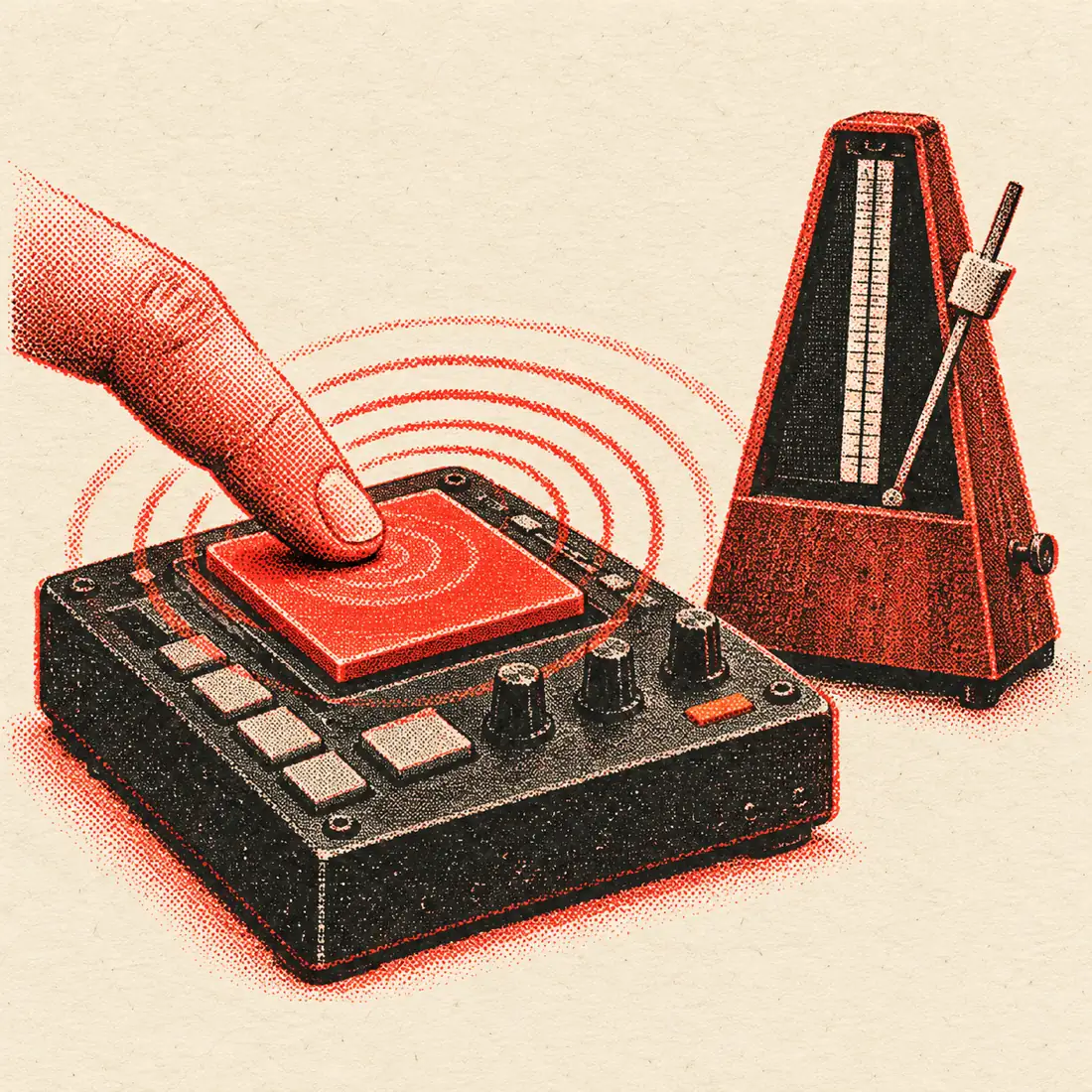
Who uses a BPM tapper
People reach for a tapper when they need a tempo and have no file to analyse. That covers a surprising number of situations, and the same pad serves all of them.
- Musicians. Work out the speed of a recording so you can practise along with a click.
- DJs. Check a track on a deck or a vinyl record where the display shows nothing.
- Dancers and teachers. Find the count for a routine so music can be matched to it.
- Runners. Match a playlist to a stride rate.
- Gym instructors. Set a pace for intervals or a class track.
- Video editors. Time cuts to a song you only have as a stream.
If you do have the file, the BPM finder at /bpm-finder/ reads it in your browser and also gives the key. The tapper is for the other times.
Keyboard or touch: which is quicker?
Every input method has a small delay between your finger and the browser noticing it. The tapper cannot remove that delay, but because the BPM comes from the gaps between taps, a steady delay cancels out. What matters is that the delay is the same every time.
| Input | Feel | Best for | Watch out for |
|---|---|---|---|
| Space bar | Firm key travel, easy to repeat | Laptops and desktops | Heavy presses can make timing jumpy |
| Any other key | Same as space bar | Using one hand without looking | Keep to one key for consistency |
| Mouse click | Slower, needs aim | When the keyboard is out of reach | The pad is large, so aim is easy |
| Touch | Direct, with no key travel | Phones and tablets | Tap lightly and avoid the screen edge |
In practice, most people are steadier on a key than a mouse, and steadier still on a touchscreen once they get used to it. Pick one method and stay with it during a single measurement. Switching halfway through adds a different delay to part of your taps.
How the averaging works
The tapper stores the time of each tap. The difference between two taps is an interval. Your BPM is 60,000 divided by the average interval in milliseconds, and the average covers up to your last 12 intervals.
That window is deliberate. Using every tap since the start would let a messy first few beats pollute the answer forever. Using only the last two would make the number swing wildly. Twelve intervals is long enough to smooth out human wobble, and short enough to follow a song that really does change speed.
| Step | What the tool does |
|---|---|
| First tap | Starts the count. No tempo yet. |
| Second tap | Gives one interval, so a first estimate appears. |
| Taps 3 to 13 | More intervals join the average. |
| Beyond 13 taps | Only the newest 12 intervals count. |
| 2.5 s of silence | The count resets on the next tap. |
The steadiness meter looks at how far your intervals spread around that average. The timeline shows the last 24 gaps, so you can see a single late tap as a spike rather than guessing why the number moved.
Dance styles and their tempos
Dancers often know a style by its speed. The ranges below are typical for social and competitive music. Individual songs vary, so tap the actual track before you plan a routine.
| Style | Typical BPM | Count |
|---|---|---|
| Slow waltz | 84 to 90 | 3 beats per bar |
| Viennese waltz | 174 to 180 | 3 beats per bar |
| Tango | 120 to 132 | 4 beats per bar |
| Foxtrot | 112 to 120 | 4 beats per bar |
| Quickstep | 200 to 208 | 4 beats per bar |
| Cha-cha-cha | 112 to 128 | 4 beats per bar |
| Salsa | 160 to 220 | Counted in groups of 8 |
| Swing and lindy hop | 120 to 200 | 8-count patterns |
| Hip hop class | 85 to 115 | Often counted in 8s |
Use the 3/4 meter on the built-in metronome to hear a waltz bar with an accent on the first beat. Use 4/4 for the rest.
Running cadence and workout pace
Many runners aim for a cadence, which is the number of steps per minute. A steady range for easy running is often quoted as about 160 to 180 steps per minute, though your own best number depends on height, speed and terrain. Matching music to your cadence can make the rhythm easier to hold.
To check your own cadence, tap the pad once for each time a foot lands while you run or jog on the spot. Tap the same foot, or both feet, and stay with it. The tool then reports steps per minute as BPM. If you tap only one foot, press ×2 to get the full figure.
| Activity | Typical pace | How to tap |
|---|---|---|
| Easy run | About 160 to 170 steps per minute | Every footfall |
| Tempo run | About 170 to 180 steps per minute | Every footfall |
| Walking | About 100 to 120 steps per minute | Every footfall |
| Cycling | About 80 to 100 rpm | One tap per full pedal turn |
| Rowing | About 18 to 30 strokes per minute | One tap per stroke |
| Skipping rope | About 120 to 160 jumps per minute | One tap per jump |
These figures are general ranges, not coaching advice. Pick the pace that suits your training.
Steadiness, and what a low score tells you
The steadiness percentage is a quick measure of your tapping. It is not a mark for the song. A high score on a metronomic electronic track means you tapped evenly. A low score on a live jazz recording may simply mean the drummer pushes and pulls.
If the score is low and you do not think it should be, try these fixes.
- Pause for 2.5 seconds so the tool resets, then start again.
- Tap to a clearer instrument, such as the kick drum, instead of a busy hi-hat.
- Switch input. A key may feel steadier than a mouse.
- Reduce the tempo you are trying to match. Tap every second beat and press ×2.
- Check the interval timeline. A single tall bar is one late tap and will fade from the average.
Hear it back with the built-in metronome
Press Send to metronome to start a click at your tapped tempo. The click is made with Web Audio, so it needs no download, and the first beat of each bar has an accent. You can switch the meter between 2/4, 3/4, 4/4 and 6/8, nudge the tempo by one BPM with the plus and minus buttons, or drag the slider anywhere from 30 to 250 BPM. Dots show the beat as it passes.
Playing the click over the song is the best accuracy check there is. If the two lock together, the number is right. If they drift apart, your tapped value is slightly off, and one or two nudges will usually fix it.
Related tools for tempo and stems
The BPM-to-ms delay calculator at /bpm-calculator/ turns your tempo into delay and reverb times in milliseconds. The BPM finder at /bpm-finder/ reads the tempo and key from a file. The vocal remover at /vocal-remover/ pulls the vocals out of a song, and a bare instrumental is often far easier to tap along to. Your taps on this page stay in your browser the whole time.
Frequently asked questions
What is a BPM tapper?
A BPM tapper is a tool that measures tempo from your taps. You press a button on each beat, and it calculates beats per minute from the time between presses. It needs no audio file and works with any music you can hear.
Does keyboard or touch give a more accurate BPM?
Neither is more accurate by itself. Each adds a small, steady delay, and because BPM comes from the gaps between taps, a steady delay cancels out. Choose whichever lets you tap most evenly and stick with it for the whole measurement.
How many taps should I make?
At least 8 for a good figure, and 12 or more for a settled one. The tool averages your latest 12 intervals, so a longer run keeps the figure tied to the recent tempo rather than to how you started.
Can I tap my running cadence?
Yes. Tap once per footfall and the BPM shows your steps per minute. If you tap only one foot, press ×2. A common easy-run range is about 160 to 180 steps per minute, but use whatever suits your training.
Why does it reset after I stop?
After a pause of 2.5 seconds the tool assumes you are starting a new measurement. That keeps an old run from mixing with a new song. You can also press Reset yourself whenever you like.
Can I use it for 3/4 or 6/8 music?
Yes. Tap the beat you feel, which for a waltz is usually every beat of the three. The metronome can then play 3/4 or 6/8 with an accent on the first beat so you can compare it with the music.
Does it work on a phone?
Yes. The pad is large for touch, and it runs in any modern mobile browser. There is nothing to install and nothing is uploaded. Tap with your thumb and keep your hand relaxed.
Can I find BPM from an audio file instead?
Yes. The BPM finder at /bpm-finder/ analyses a file in your browser and returns the tempo and key. This tapper is the better choice when you only have the music playing from another source.
Is the BPM tapper really free?
Yes. It is free to use, with no sign-up, no ads and no upload. Everything is worked out in your browser, including the metronome.