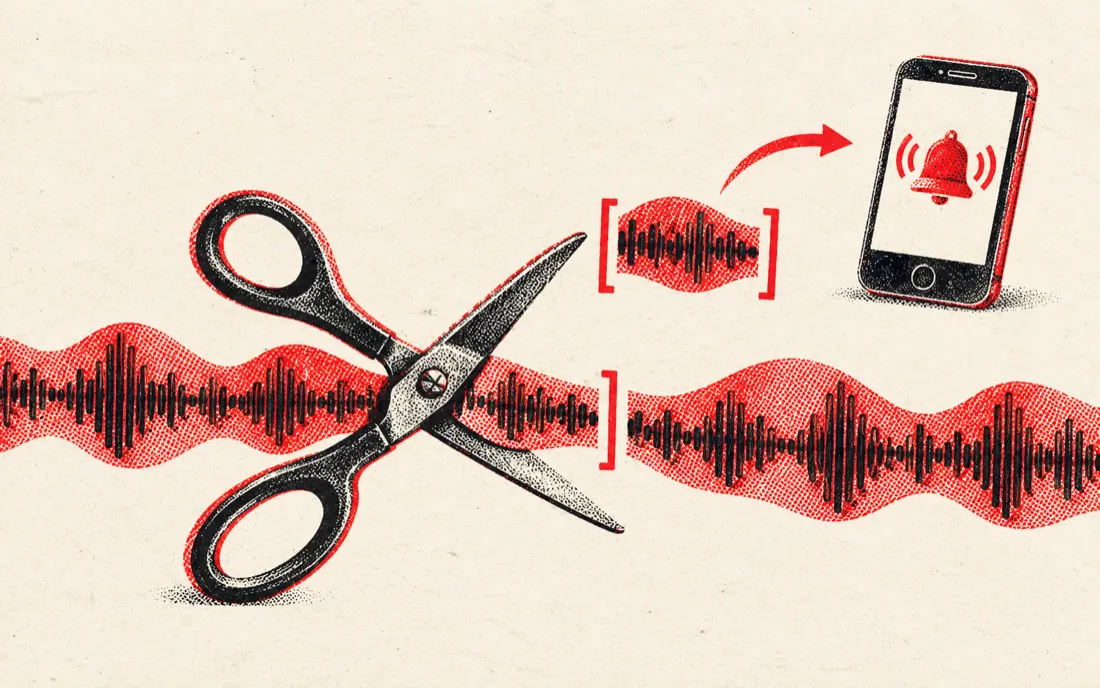
Which free tool does which edit
Most people who search for an online audio editor want one of a handful of jobs done. Each row below is a working tool on TuneSplit. Everything marked browser runs on your device with no upload and no daily limit.
| Edit you want | Tool | Where it runs | Output |
|---|---|---|---|
| Trim the start or end | Editor on this page (Keep selection) | Browser | MP3 or WAV |
| Cut a part out of the middle | Editor on this page (Remove selection) | Browser | MP3 or WAV |
| Fade in, fade out | Editor on this page | Browser | MP3 or WAV |
| 30 s or 40 s ringtone | Audio cutter ringtone presets | Browser | MP3 or WAV |
| Change key, keep tempo | Pitch changer, -12 to +12 semitones | Browser | WAV |
| Change tempo, keep key | Tempo changer, 50 to 150 percent | Browser | WAV |
| Play it backwards | Reverse audio | Browser | MP3 or WAV |
| Slowed + reverb or 8D | Slowed and reverb maker, 8D audio converter | Browser | MP3 or WAV |
| Find BPM and key first | BPM and key finder | Browser | On screen |
| Remove vocals or split stems | Vocal remover, stem splitter (AI) | Server, deleted within 24 hours | MP3, 1 free full split a day |
Edit without losing quality
- Start from the best file you have. A WAV or FLAC gives a cleaner result than a low-bitrate MP3.
- Download WAV if you will edit the file again. MP3 loses a little each time it is re-encoded.
- Always add a short fade at a cut. Even 0.05 seconds stops the click you hear when a waveform is cut mid-swing.
- Cut on a beat. Find the BPM first, then place cuts on the downbeat so loops and edits stay in time.
- Do the big changes last. Trim first, then change key or tempo, so the processing runs on less audio.
Edit the sound of a video
Drop an MP4 or MOV into the editor and it reads the audio track. Trim it, fade it and download the sound as MP3 or WAV, for example to reuse the audio from a screen recording or a clip from your phone. To keep the voice and drop background music, use remove music from video, which splits the soundtrack with AI.
What a browser editor does not do
It is honest to say where this page stops, so you do not waste time.
- No multitrack mixing. You edit one file at a time; for layering several tracks, use a DAW such as Audacity, GarageBand or Reaper.
- No volume slider or normalise button. Fades are the only level change in the editor.
- No noise removal or EQ.
- No saved projects. Close the tab and the edit is gone, so download before you leave.
For quick jobs, such as a ringtone, a trimmed voice memo, a clip for a video or a cleaner start and end, a browser editor is faster than installing anything.
Free online audio editors compared
| Editor | Account | Upload | Free limits stated | Best for |
|---|---|---|---|---|
| TuneSplit (this page) | No | No, runs on your device | None for browser tools | Fast trims, fades, key and tempo |
| TwistedWave online | Free account | Yes | Mono files up to 5 minutes | Detailed waveform editing |
| CapCut online audio editor | Yes | Yes | See CapCut terms | Audio inside a video project |
| MyEdit | Optional for basics | Yes | Credits for AI features | Trim plus transcription |
| Audacity (desktop) | No | No, installed app | Free, open source | Multitrack, effects, noise removal |
Limits as stated on each product's pages or in reviews, checked 2 November 2026. They change, so check before you rely on one.
Frequently asked questions
How can I edit audio online for free?
Drop the file into the editor at the top of this page, select a part on the waveform, choose Keep or Remove, add fades and download MP3 or WAV. It is free, needs no account and the file never leaves your device.
Is my audio uploaded?
No. The editor, the pitch changer, the tempo changer and the other browser tools process the file inside your browser. Only the AI tools, the vocal remover and stem splitter, send the file to a server, and those files are deleted within 24 hours.
Can I edit MP3 and keep the quality?
Trimming is exact, but saving as MP3 re-encodes the audio, which loses a little quality. Download WAV if you plan to edit again, and only make an MP3 at the end. The editor exports MP3 at 256 kbps.
Can I change the volume?
Not in this editor. It does trims, cuts and fade in or fade out. For volume changes or normalising, use a desktop editor such as Audacity, which is free.
Can I edit audio on my phone?
Yes. The page works in mobile browsers. Pick a file from Files, Voice Memos or Photos, drag the handles with your finger and download the result.
Can I remove a part from the middle of a song?
Yes. Select the part, choose Remove selection and the editor deletes it and joins the two sides. Add short fades so the join does not click.
Can I change the key or speed of a song online?
Yes, with the pitch changer, which shifts the key from -12 to +12 semitones, and the tempo changer, which sets speed from 50 to 150 percent without changing pitch. Both run in your browser.